One free canvas for design and docs
By continuing, you agree to the Terms of Service and acknowledge the Privacy Policy.
Design the screen and write the spec in the same place. Designers, engineers and product managers share one workspace, one link and one set of roles.
Live frames in your docs
Type “/design” in a doc and pick a frame. The preview updates whenever the design changes.
See how it works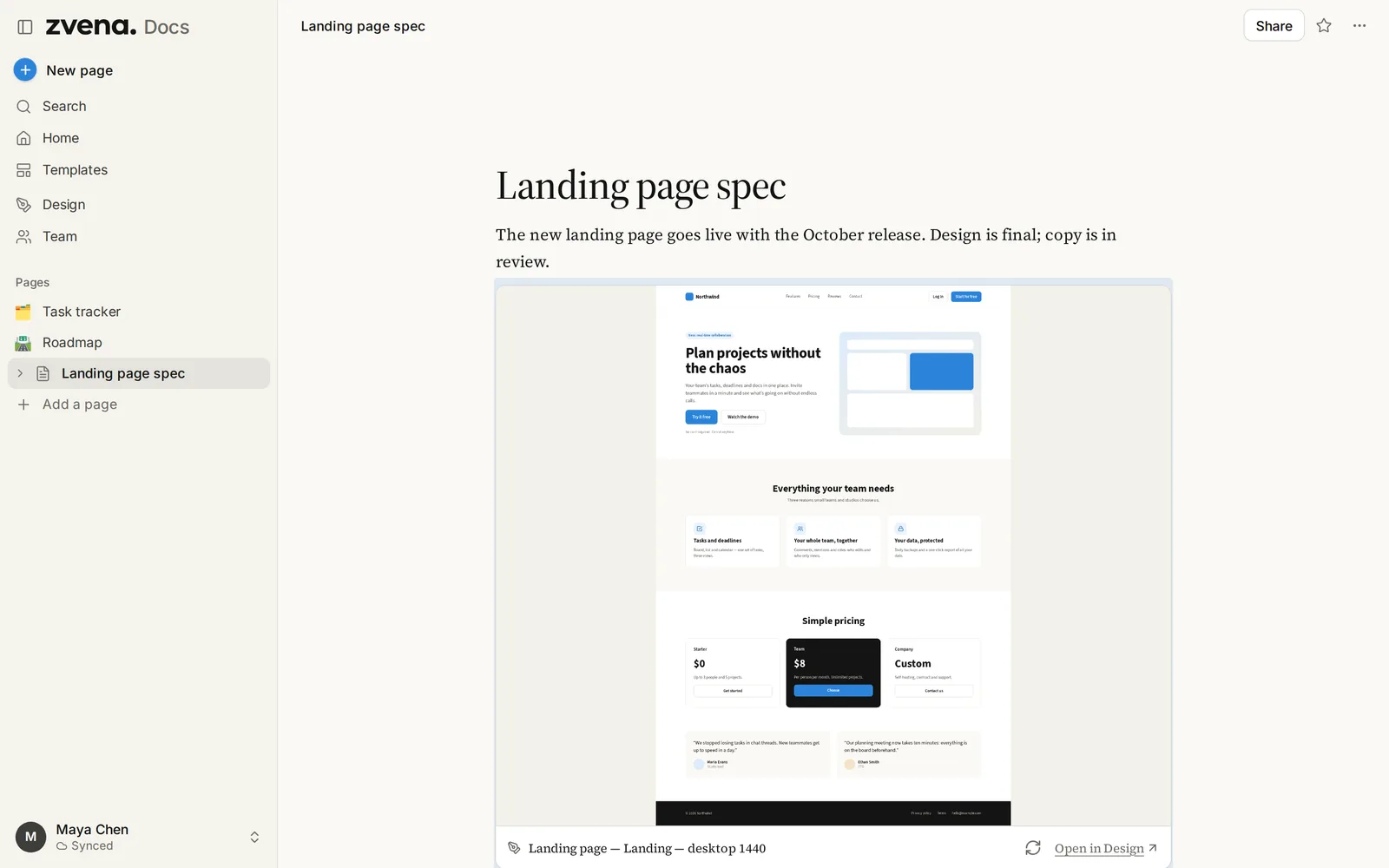
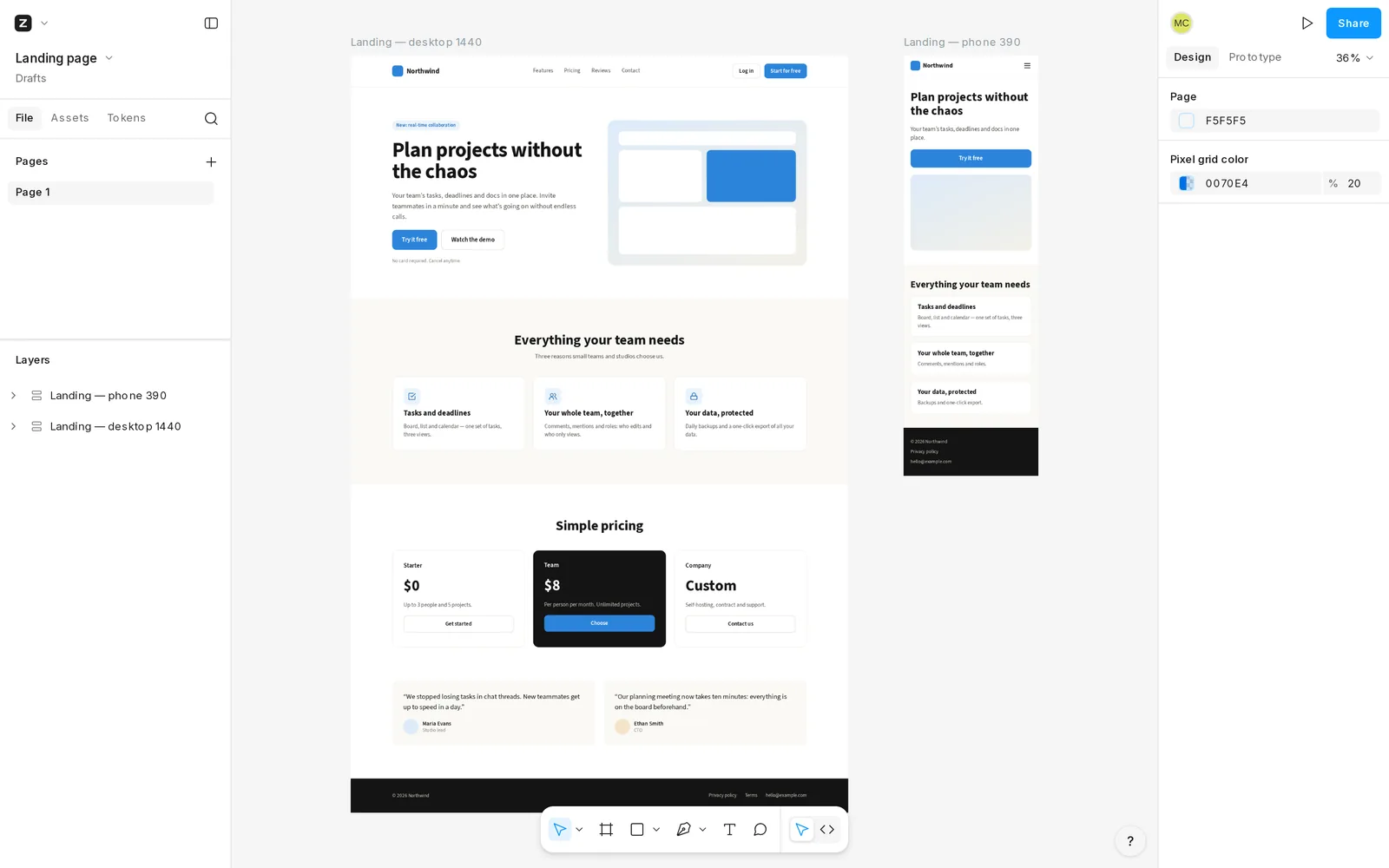
A professional design tool, free for the whole team. Components, auto layout, prototypes and inspect mode — built on open-source Penpot.
Design anything you can imagine
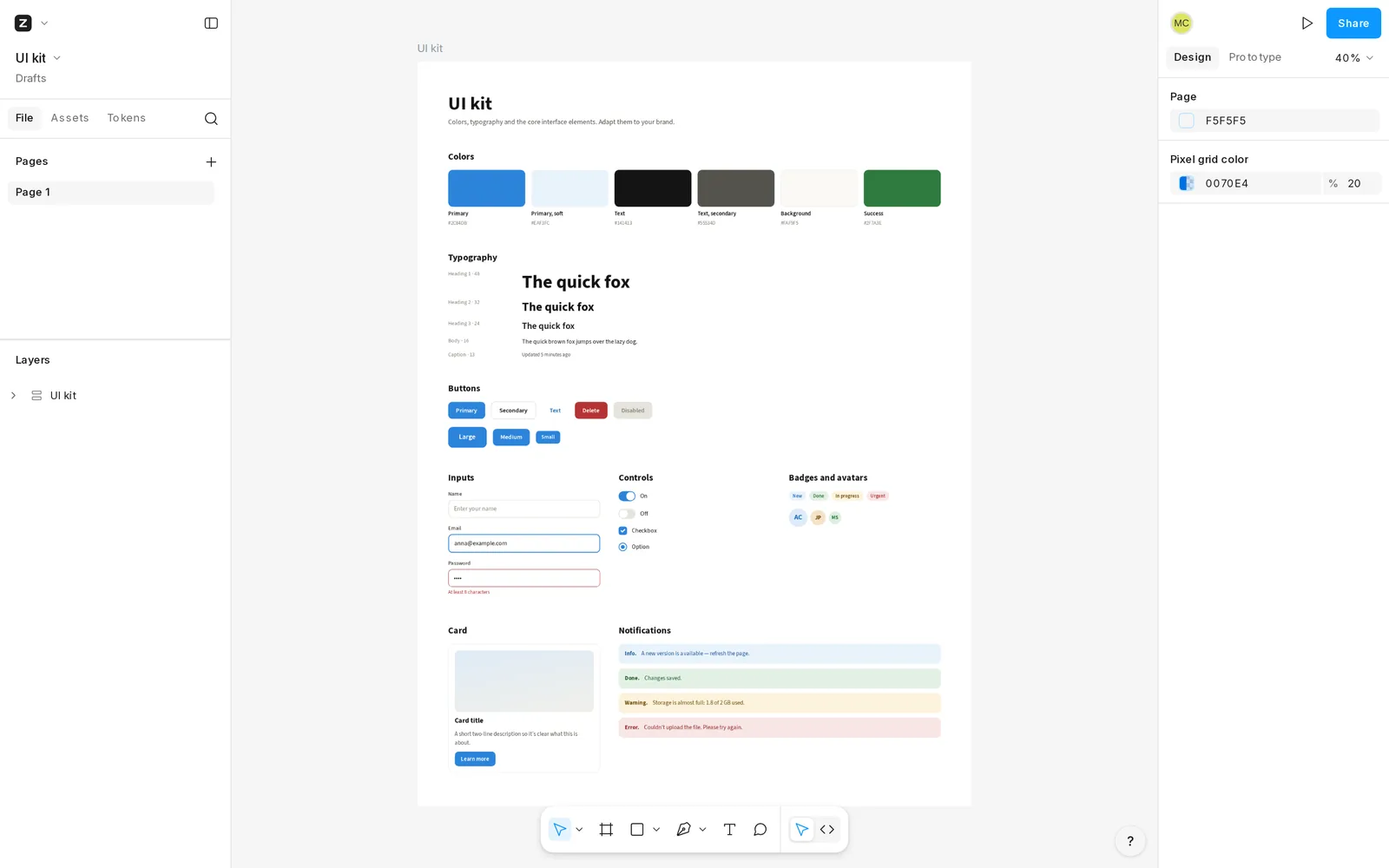
Vector tools, boards, components with variants, shared libraries and design tokens in the W3C format. Flex and grid auto layout that behaves like CSS.
Compare with FigmaHand off without the back-and-forth
Inspect mode shows CSS, SVG and measurements straight from the design — free for every member. Export PNG, JPG, SVG and PDF.
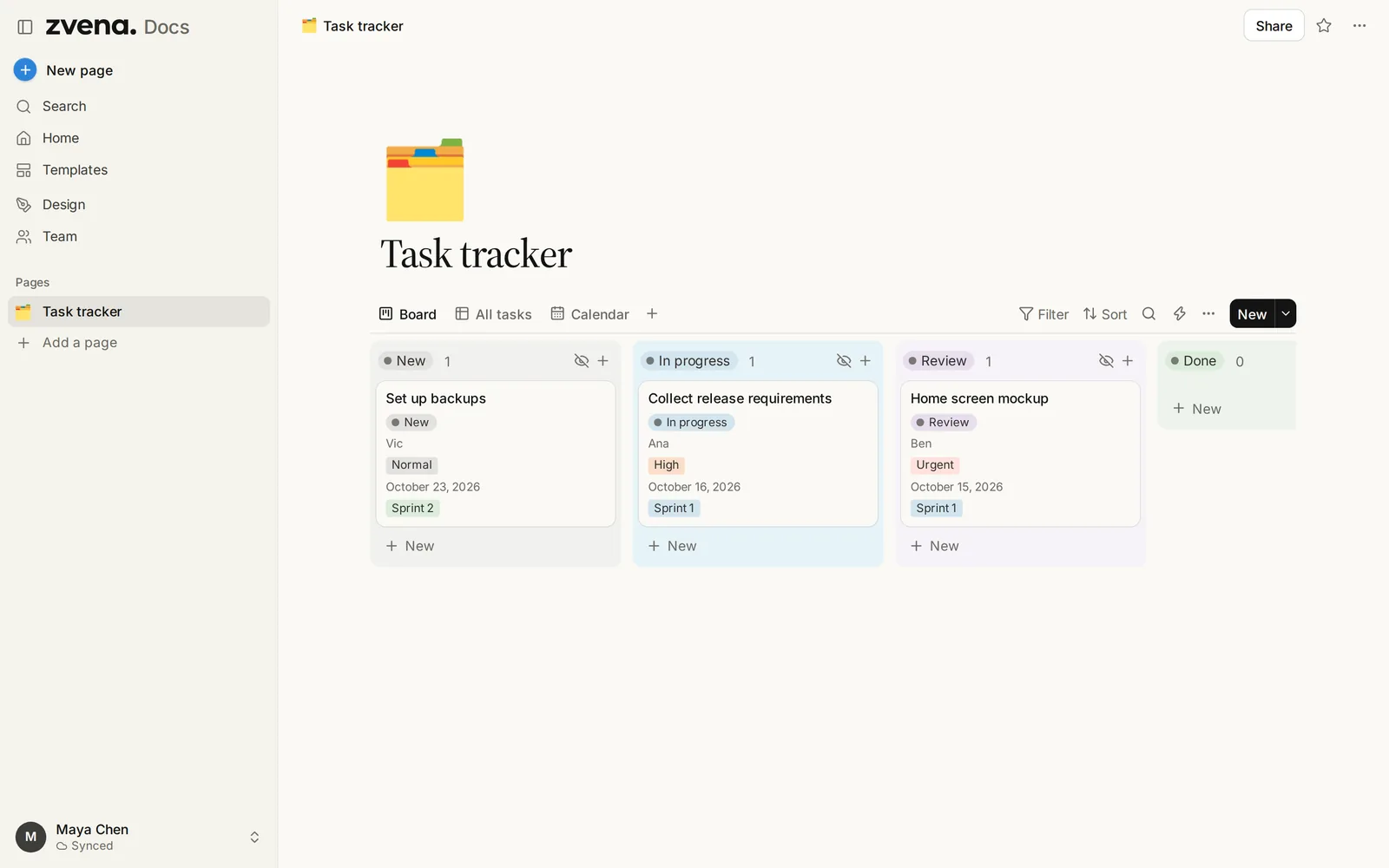
Read the Design guideDocs that think in databases. Pages, wikis, trackers and forms in one editor.
Compare with Notion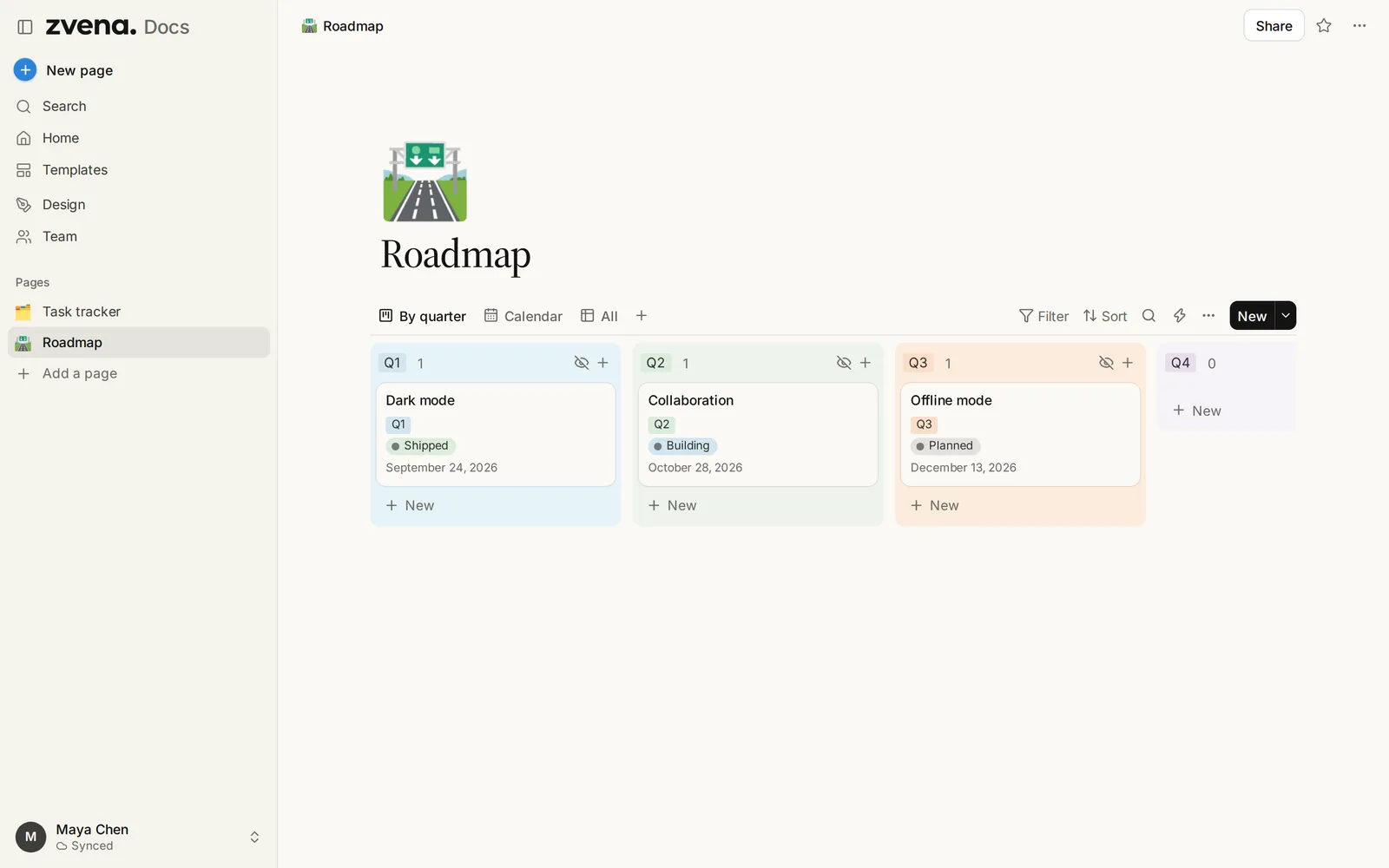
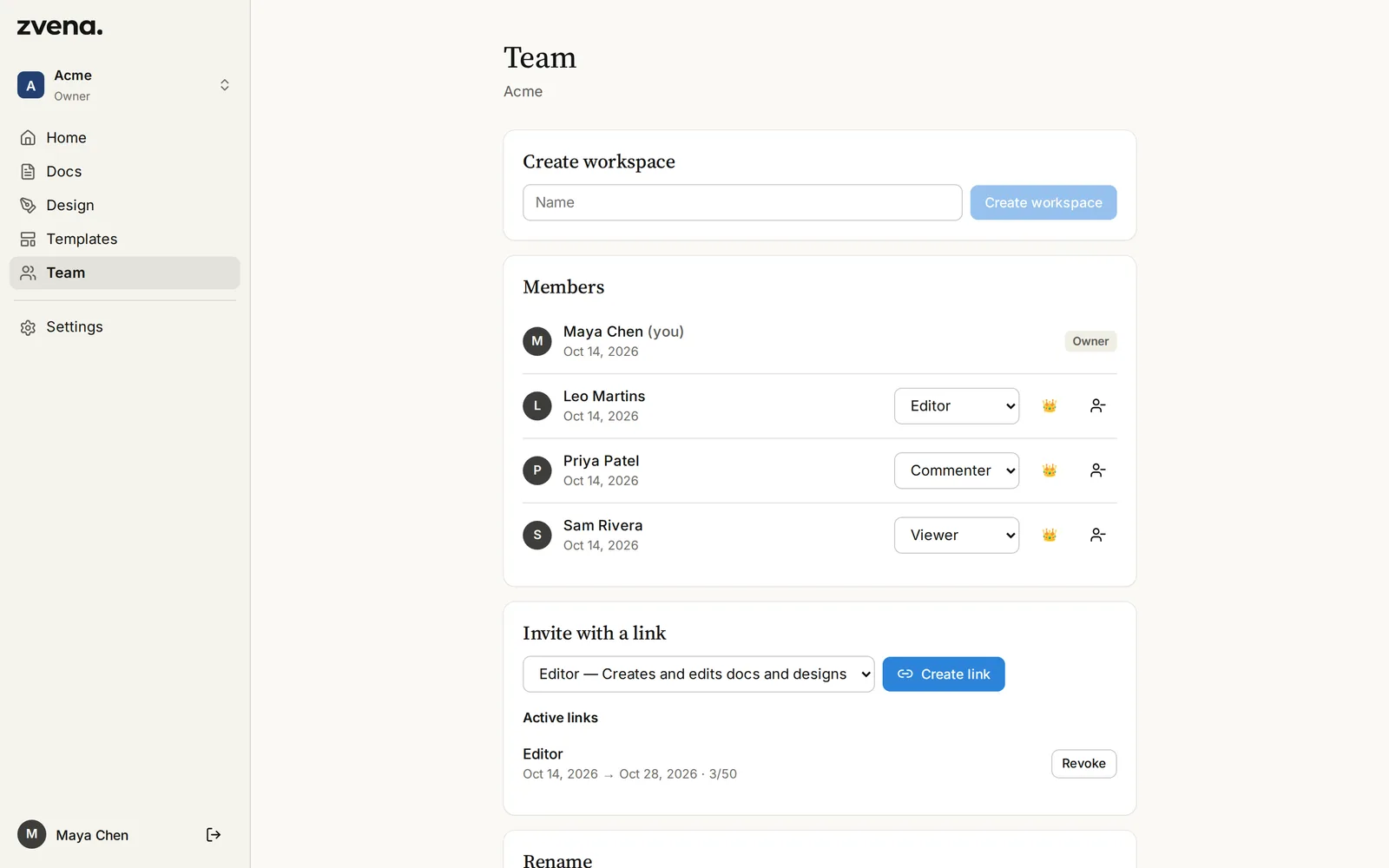
Bring the whole team. Pay for no one. Invite people with a link and give them a role — editor, commenter or viewer. Roles cover Design and Docs alike.
Built to be trusted with your work
Your designs and docs are never used to train AI. No ads, no trackers, no per-seat pricing. Your work stays in the EU and leaves with you in one click, whenever you want.
- No AI
- No ads
- No trackers
- EU hosting
- Open-source design core
- Export anytime
Ideas shouldn’t wait for a budget
Get startedExplore what you can make in zvena. Start from a template, or bring your work over.
Browse all templatesQuestions, answered
Is zvena really free?
Yes. There's no trial, no paid plan and no per-seat pricing. Every account gets 2 GB for docs, files and designs.
Do you use AI on my content?
No. zvena has no AI features, and your content is never used to train models or sent to AI services.
Where is my data stored?
On our servers in the European Union. You can export everything as one archive or delete your account in Settings at any time.
How do I sign in?
With Google, GitHub or a one-time link sent to your e-mail — no password needed. You can also try Docs without an account.
Can I bring my Penpot or Figma files?
.penpot and SVG files import directly. Figma designs move over through SVG export; direct .fig import isn't available yet.